Pay as you go
One scene?
Start with piments.
Top up your wallet once. Use piments when you want. No subscription required.
Create from 519 piments ↗18+ · Retro print to video
Rosalie’s vintage photo to video AI animates a retro-looking picture — a sepia portrait, a faded snapshot, a scan from your own pin-up shoot — into a vertical 5, 10 or 30-second clip with sound. Film grain, red lips and a slow tease: a smile that spreads, a wink, pearls turned in warm light. An 18+ studio for consenting adults, never explicit, rendered by Seedance 2.5.
Select one or more models for a duo or group video. Describe who appears in your prompt.
Type @ to mention an image in your scene.
Choose an idea to add it. Your existing text is kept.
If generation fails, you get refunded.
One payment, no subscription required. Piments are deducted once and your balance is saved to your account. Guest videos are never added to a library; previously saved files can be deleted in Settings.
Generated with Seedance 2.5 by ByteDance: strong face, outfit and style consistency with your reference photos.
Upload your references, describe the scene and choose your length. Your clip appears right here.
Your videos will appear here after checkout or generation. Keep creating while they render.
Signed-in orders are available across devices. Guest orders need this browser’s session. Rendering time varies; no fixed countdown is promised.
Rosalie animates old or old-looking photos of adults who agreed: your own retro photoshoot, a scan of yourself as an adult, a partner’s vintage-style portrait shot with their blessing, or an AI-generated old-photo image. Modern photos edited to look old work too.
It is not for relatives or strangers from old albums, flea-market prints or stars of the past. A person who cannot agree to this AI transformation cannot be animated, and photos of anyone under 18 are never allowed, however old the print. Looking to bring family memories to life? This is the wrong studio.
No vintage demo yet: these real clips start from modern photos, but imperfect ones, like many old prints — a border, a crowd, a harsh flash.
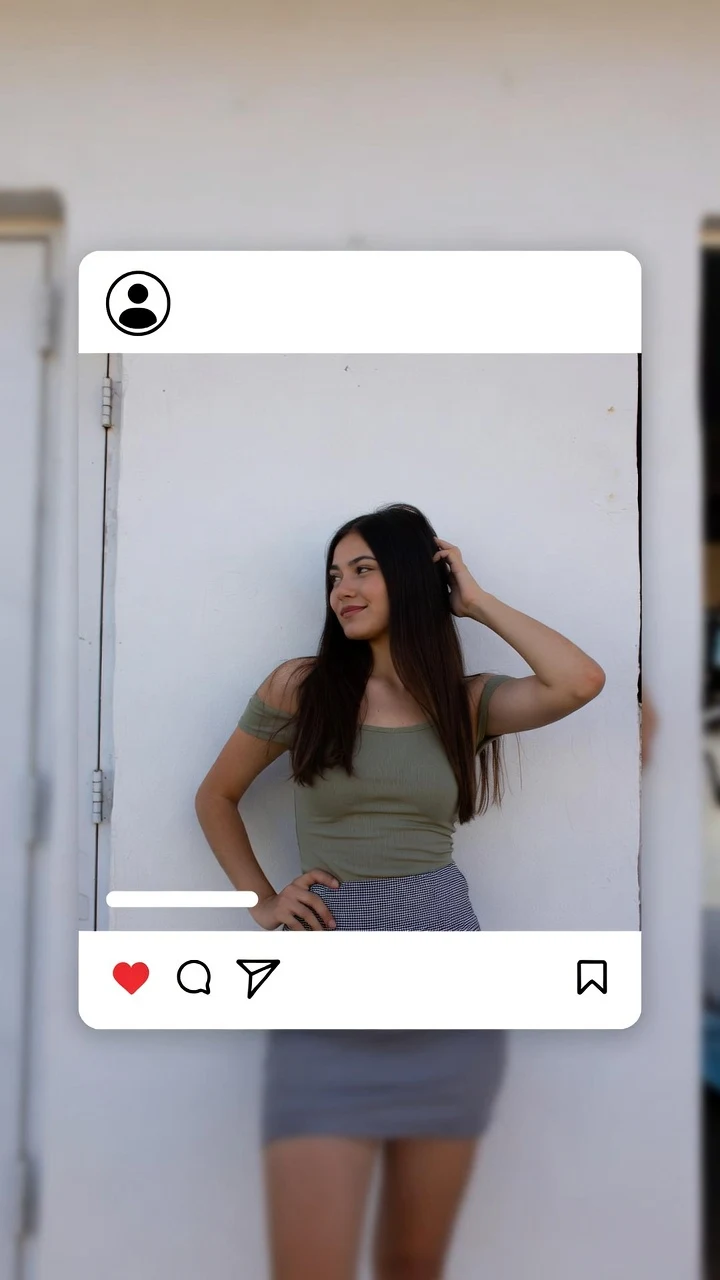 Source photoAI clip
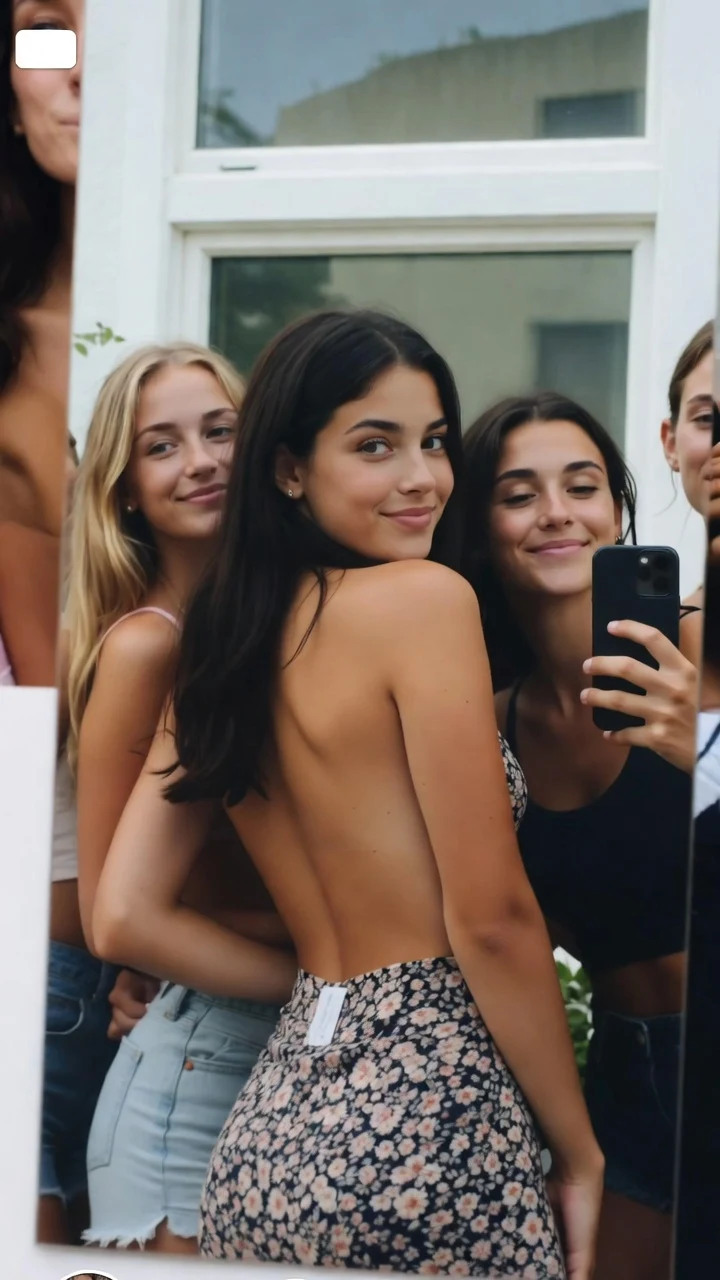 Source photoAI clip
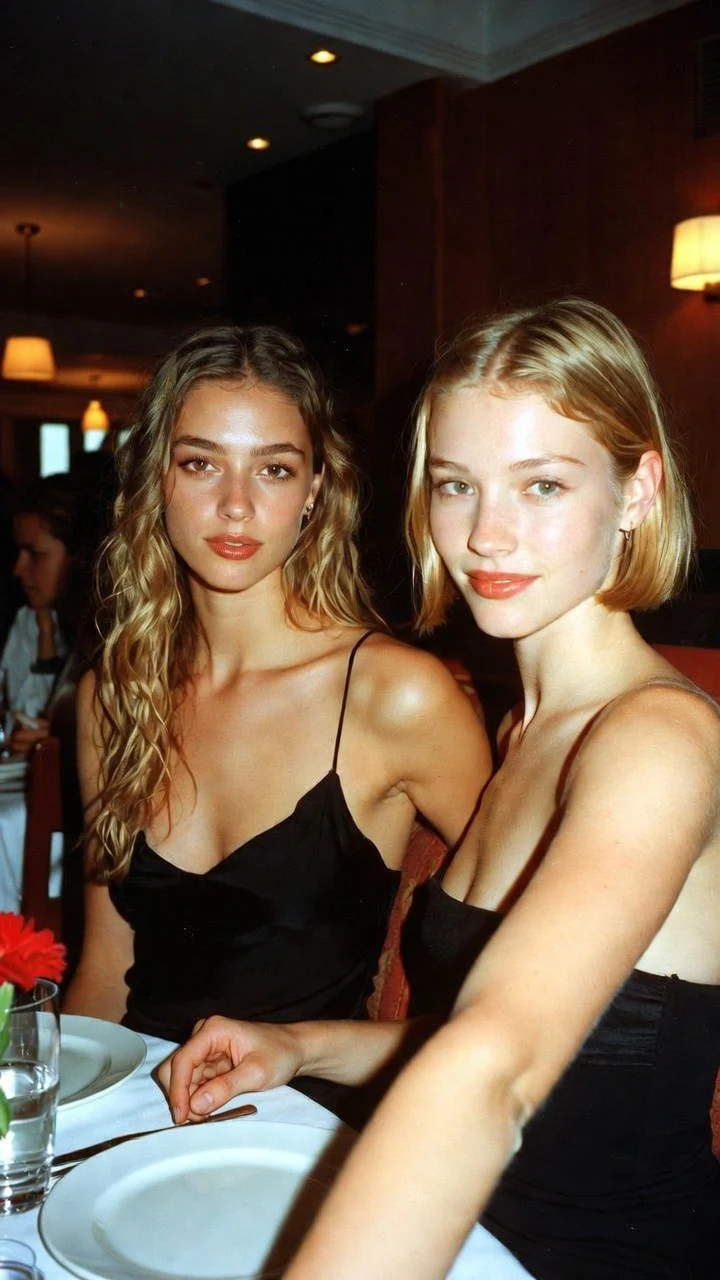 Source photoAI clip
Old prints lose detail exactly where a video needs it — eyes, hands, edges. A few minutes here saves paid retries:
No suitable print? Use an AI-generated vintage-style image of a fictional adult, or a fictional adult model from the studio library.
Your upload is @Image 1. The first sentence of each prompt protects the old-photo look; the second adds one small, teasing movement.
Keep the sepia tone, the grain and the soft focus of @Image 1. @Image 1 blinks slowly, lifts the chin and lets a knowing smile spread across the face. Locked camera, faint projector hum.
Black-and-white, same grain and contrast as @Image 1. @Image 1 turns the head a touch toward the camera, lowers the eyelids, then gives a quick wink. Very slow push-in, quiet room tone.
Faded warm colors and light film grain, like @Image 1. @Image 1 leans on the vintage car, tilts the sunglasses down and smiles over them at the camera. Gentle breeze in the hair, distant traffic.
Keep the studio portrait lighting and grain of @Image 1. @Image 1 runs a finger slowly along a string of pearls, glances away, then back at the camera with one raised eyebrow. Locked frame.
Keep the old-photo grade of @Image 1. @Image 1 checks red lipstick in a compact mirror, snaps it shut and shoots the camera a slow sideways look. Warm light, slow push-in, the click of the compact.
Everything happens in the studio above.
Digitize the print sharply, clean it and crop it vertically around the person, then upload it as @Image 1.
Begin the prompt with the grade to keep — sepia, black-and-white, faded color, grain — then one small action and a sound: a blink, a smile, a turn of the head, a wink.
Run five seconds in Medium ($5.19) to see how the face holds, then render ten seconds in High 720p ($11.69) or Ultra High 1080p.
The model does not move the pixels of your scan: it reads the face, outfit and grade, then generates new frames. Grain becomes new grain, so it shimmers rather than sitting still. A sepia or black-and-white tone usually carries over when the prompt names it. Damage — a crease, a stain — can be treated as part of the scene, which is why cleaning the scan matters.
For a rougher texture than the smooth default, ask for “heavy film grain, slight flicker”.
The age, size or number of your scans does not change the price; only length and quality do:
| Clip length | Medium · 480p | High · 720p | Ultra High · 1080p |
|---|---|---|---|
| 5 seconds | $5.19 | $6.49 | $15.59 |
| 10 seconds | $6.49 | $11.69 | $31.19 |
| 30 seconds | $15.59 | $32.49 | $92.29 |
The age of a photo changes nothing about consent. From the terms of use:
Before each video you confirm that every identifiable real person is 18 or older and agreed. Owning a print is not consent.
Yes. Seedance 2.5 reads the old photo for the face, outfit and tone, then generates new frames from your prompt: a vertical 9:16 MP4 with sound, from $5.19.
Not here. Rosalie is an 18+ studio for teasing retro scenes, and every identifiable person must be an adult who agreed. A relative in an old album usually cannot give that agreement.
Usually, if you name it at the start of the prompt: “Keep the sepia tone and grain of @Image 1.” Test five seconds first.
No. The photo is a reference for a new clip, not an edit; asking for color gives an interpretation, not a faithful colorization.
No. A real person in a found photo has not agreed to be animated. Use your own photos, a shoot of an adult who agreed, or an AI-generated image of a fictional adult.
No. Every clip is vertical 9:16, so crop the scan to a vertical frame around the person before uploading.
From $5.19 for five seconds in 480p up to $92.29 for thirty seconds in 1080p. You pay per video and see the price before you confirm.
Same studio, same rules: pick the angle that fits your photo.
Updated · Terms · Privacy · Data controls
Pay for the tease
100 piments = $1. Weekly plans keep the same video prices and give you 25% more piments.
Top up your wallet once. Use piments when you want. No subscription required.
Create from 519 piments ↗Automatically renews every week. Cancel anytime before renewal. Unused piments stay available. Piments use the same published video prices. The 20% comparison is rounded to the nearest cent.
18+ · Adults only
You must be 18 or older to enter. Use only images you own or have permission to transform, featuring adult subjects and, for identifiable real people, their consent. Deepfakes of real people without their consent are strictly forbidden.
Privacy · Terms of use