Pay as you go
One scene?
Start with piments.
Top up your wallet once. Use piments when you want. No subscription required.
Create from 519 piments ↗18+ · Photo to vertical reel
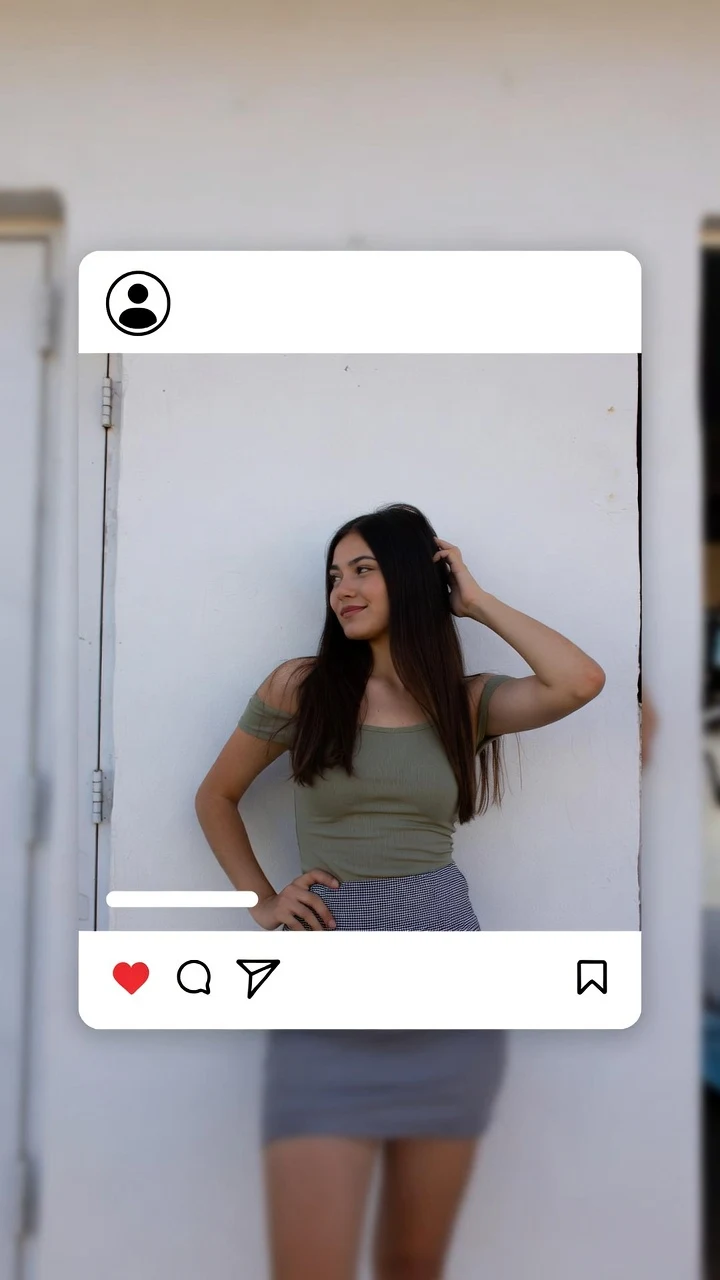
Turn one photo into an AI reel that is already the right shape: vertical 9:16, 5, 10 or 30 seconds, with native sound, sized for reels, stories and short-video feeds. Rosalie animates your picture with Seedance 2.5 — a hair flip, a wink, a walk toward the lens — so you post motion instead of yet another still. Flirty and scroll-stopping, 18+ only and never explicit.
Select one or more models for a duo or group video. Describe who appears in your prompt.
Type @ to mention an image in your scene.
Choose an idea to add it. Your existing text is kept.
If generation fails, you get refunded.
One payment, no subscription required. Piments are deducted once and your balance is saved to your account. Guest videos are never added to a library; previously saved files can be deleted in Settings.
Generated with Seedance 2.5 by ByteDance: strong face, outfit and style consistency with your reference photos.
Upload your references, describe the scene and choose your length. Your clip appears right here.
Your videos will appear here after checkout or generation. Keep creating while they render.
Signed-in orders are available across devices. Guest orders need this browser’s session. Rendering time varies; no fixed countdown is promised.
The studio renders 5, 10 or 30 seconds. Each has a job:
| Length | Where it works | What to put in it |
|---|---|---|
| 5 seconds | Loops, stories, highlight covers | One move that ends where it started: a wink, a hair flip |
| 10 seconds | Feed reels that need a hook | A first-second hook, the move, a held final look |
| 30 seconds | A mini-scene | Arrive, act, react: a walk in, a turn, a wink |
Three five-second clips cut together in an editor often make a stronger 15-second reel than one 30-second render, and every test costs less.
A good AI reel is planned for the feed before it is rendered:
Upload the photo you want to post as @Image 1. Each prompt opens with motion for the hook and ends on the face for the loop. Check each one at five seconds in Medium ($5.19) first.
@Image 1 walks toward the camera down a sunny street in a summer dress, stops close, tilts the head and gives a quick wink, ending in a still, smiling pose. Golden hour, handheld camera tracking backward, city sounds.
@Image 1 starts with the back to the camera, turns around in one smooth motion with the hair swinging, and lands on a direct, confident look. Soft studio light, pastel backdrop, locked frame, a soft whoosh.
@Image 1 faces the camera, tosses the hair over one shoulder in slow motion, then returns to the same position and the same smile as at the start. Bright backlight, locked frame, gentle breeze.
@Image 1 stands in front of a full-length mirror, steps back to show the outfit, does a small twirl and points at the camera with a grin. Warm bedroom light, slow push-in, lively room tone.
@Image 1 leans on a railing by the sea, looks out at the water, then turns slowly to the camera and smiles as the wind moves the hair. Sunset backlight, slow orbit, waves and gulls.
Make it in the studio, finish it in your app.
A photo of yourself, or of an adult who agreed, with room around the head and shoulders. Landscape photos lose their sides in 9:16.
Start with motion, give one move, finish on the face. Name the light and one sound.
Test five seconds in Medium ($5.19), then render the post version in High 720p or Ultra High 1080p. Download the MP4 — guests have 24 hours.
Trim, add music and text, set the cover on the final look, and post.
Most reels made from photos are slideshows with a slow zoom. A clip that really moves — hair lifting, a wink, a turn — stands out at once, and that is where the format earns its keep. The more natural the motion, the less it looks like a filter.
Keep a series consistent: same light, same color grade, same kind of move, so your profile looks like one person’s style rather than a sampler of effects. Rosalie’s retro side helps here — a run of 1950s AI video clips or pin-up teases makes a feed people recognize at a glance.
One price per reel, by length and quality, shown on the button before you pay:
| Length | Medium · 480p | High · 720p | Ultra High · 1080p |
|---|---|---|---|
| 5 seconds | $5.19 | $6.49 | $15.59 |
| 10 seconds | $6.49 | $11.69 | $31.19 |
| 30 seconds | $15.59 | $32.49 | $92.29 |
Reels go public, so the rules matter twice — here they are, from the terms of use:
The consent declaration you make before each render — every real person an adult who agreed — is saved alongside the order.
Yes. Every clip is a 9:16 MP4, the native shape of reels and stories, so there is nothing to crop.
Not in the studio: the clip comes with native ambient audio generated with the scene. Add music in your app or editor after downloading.
The file is a standard MP4. Whether the content fits depends on each platform’s rules for suggestive content, so check them, especially for flirty clips.
One render goes up to 30 seconds. For anything longer, cut several clips together in an editor.
Many platforms ask you to label AI-generated content. Use their label when it applies; it is good practice anyway.
Not at all: the studio is adults-only (18+) and never explicit. The reel teases with a wink, a flip or a turn.
Pick one and build your next post.
Updated · Terms · Privacy · Data controls
Pay for the tease
100 piments = $1. Weekly plans keep the same video prices and give you 25% more piments.
Top up your wallet once. Use piments when you want. No subscription required.
Create from 519 piments ↗Automatically renews every week. Cancel anytime before renewal. Unused piments stay available. Piments use the same published video prices. The 20% comparison is rounded to the nearest cent.
18+ · Adults only
You must be 18 or older to enter. Use only images you own or have permission to transform, featuring adult subjects and, for identifiable real people, their consent. Deepfakes of real people without their consent are strictly forbidden.
Privacy · Terms of use